What Is WebXR and Why It Matters for Browser Games
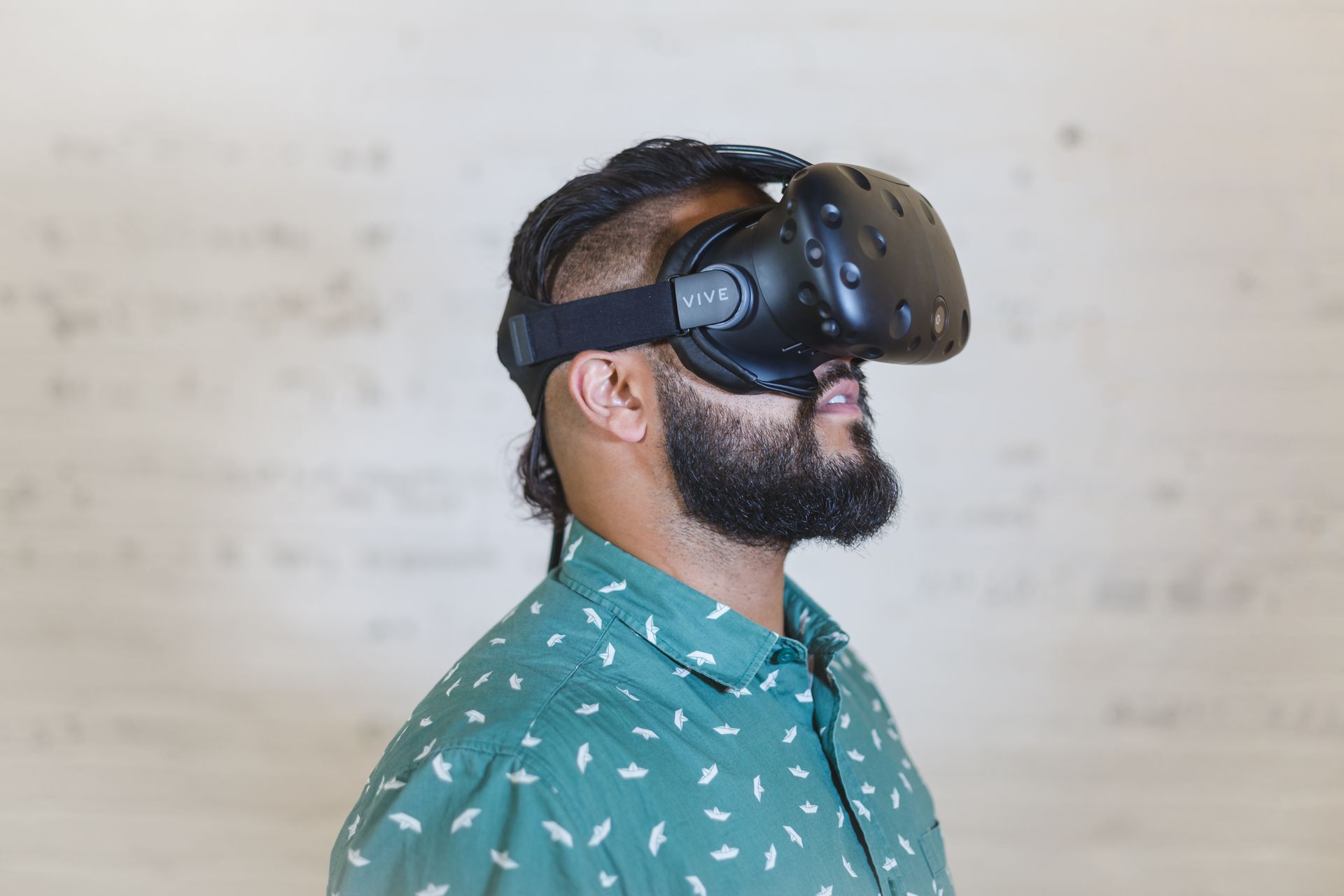

What is WebXR? WebXR is an open web standard that helps virtual reality, augmented reality, and 3D experiences run through a browser. That means some immersive experiences can open from a web link. Players don’t always need to download a separate app first. (One less app cluttering your home screen, one less thing to forget you installed.)
WebXR helps creators share games and interactive worlds, and helps players access immersive content more easily. This guide covers WebXR in plain English: WebXR vs WebGL, VR in the browser, and how VIVERSE supports WebXR-compatible experiences.
WebXR in Plain English
WebXR combines two ideas: the web and extended reality. Extended reality, or XR, includes virtual reality and augmented reality. Virtual reality places users inside a digital environment, while augmented reality adds digital elements to the real world. WebXR helps these experiences work through compatible browsers and devices.
In simple terms, WebXR lets a browser understand immersive input, including headset position, motion tracking, controller movement, and spatial interaction. Without WebXR, a browser can still show a 3D scene, but may not connect that scene to immersive hardware.
WebXR helps bridge that gap, giving developers a way to build experiences that run through the web. That doesn’t mean every browser supports every WebXR feature, though. Support depends on the browser, device, and experience.
Why WebXR Matters for Browser Games
WebXR matters because it helps reduce friction. Players can discover an experience and open it through a link.
For browser games, this matters because a link is easier to share than a full installation flow. A creator can send the game to a friend, tester, community, or audience. The player can then open it in a browser and start exploring.
WebXR browser games can include many types of experiences:
- 3D exploration games
- Puzzle games
- Social spaces
- Interactive art
- Educational simulations
- Virtual galleries
- Lightweight VR experiences
- Immersive demos
Not every WebXR game needs a headset. Some experiences work on desktop or mobile first, then support immersive hardware as an option. That flexibility helps creators reach more players without locking developers into one device type.
WebXR vs WebGL: What’s the Difference?
WebXR and WebGL are related, but they do different jobs.
WebGL helps render 2D and 3D graphics inside the browser, making many web-based games and 3D scenes possible. WebXR helps with immersive interaction, supporting things like VR headset position, AR views, motion input, and spatial tracking.
A simple way to think about it:
| Technology | What it does |
| WebGL | Draws 2D and 3D graphics in the browser. |
| WebXR | Helps browsers support immersive VR and AR experiences. |
Many immersive web experiences use both. WebGL powers the visuals, and WebXR connects those visuals to immersive devices and spatial input. For example, a 3D game may use WebGL to render the world. If that game supports VR mode, WebXR helps the browser understand the headset and controllers.
This is why the phrase “WebXR vs WebGL” can be misleading. They aren’t always competing technologies, and more often than not, they work together.
Does WebXR Mean You Need a VR Headset?
No. WebXR supports VR and AR, but that doesn’t mean every experience requires a headset.
This is one of the biggest misconceptions around WebXR: people often hear XR and assume headset-only. In practice, many browser-based experiences work on standard devices first, using a keyboard, mouse, touchscreen, or gamepad.
A headset can add another layer of immersion. But it doesn’t have to be the only way to enter the experience. (Yours can stay in the closet, right where it’s been sitting since your New Year’s resolution wore off.)
This matters for creators, since a game that works on desktop and mobile reaches more people. It also matters for players, who can explore thousands of browser-based games without buying special hardware.
To summarize, VR in the browser is one WebXR use case. It’s not the whole story.
What Can Creators Build With WebXR?
WebXR can support many types of immersive web experiences. These can range from simple 3D scenes to larger interactive worlds.
Creators can build:
- Browser games
- VR experiences
- AR experiences
- Interactive art
- Virtual galleries
- Educational tools
- Product demos
- Social spaces
- Training simulations
- Web-based worlds
The right project depends on the creator’s goals and tools. Developers can use engines and frameworks that support web-based builds.
VIVERSE supports major WebXR and web game workflows, including:
- Unity WebGL
- Godot
- Three.js
- Babylon.js
- PlayCanvas
- A-Frame
- React-Three-Fiber
- Wonderland Engine
This means creators don’t always need to start from scratch. They can often use tools they already know. (Yes, even that half-finished Unity project from two years ago.)
How WebXR Helps Players Access Immersive Experiences
For players, WebXR can make immersive content easier to reach. Instead of searching for a separate app, they may be able to open an experience directly through a browser link.
That creates a smoother path from discovery to play. A creator can share a link in a message, post, portfolio, event page, or community. The player just clicks and enters the experience.
That kind of access is useful for various scenarios, like games, art, education, and demos, and it helps creators test ideas with users. Browser access isn’t magic, though: creators still need to optimize performance and controls, and they need to test across devices. But when the experience works well, WebXR can make immersive content feel more immediate and shareable.
As discussed in Bigger than ever: Web games are the ultimate opportunity, this shortens the gap between finding and playing.
How WebXR Helps Developers Publish More Flexibly
WebXR can also change how creators think about publishing. A browser-based experience can become easier to distribute across different channels. It can live on a project page, a creator site, or a platform.
That flexibility matters for small teams, helping them test a project before a larger launch. It also matters for creators who want to reach players across devices. A browser-based project can support desktop, mobile, and compatible immersive hardware.
This doesn’t remove all development work. Creators still need to prepare a web-compatible build. They also need to consider performance, file size, input methods, and browser support. (The unglamorous checklist nobody posts about, but everybody skips at their own risk.)
But WebXR gives creators a foundation for immersive content on the open web. If you want to publish WebXR game experiences, choose tools and platforms that support browser workflows.
WebXR and VIVERSE
VIVERSE is a web-based platform for games, apps, video content, VR art, and interactive experiences. It supports browser-based publishing, which makes it a natural place for WebXR-compatible experiences.
Creators can use VIVERSE to publish browser-based projects, and players can open supported experiences through a link. VIVERSE also supports major engines and frameworks for web games and immersive projects, helping developers publish to the browser.
VIVERSE isn’t WebXR itself, though. WebXR is an open web standard, and VIVERSE is simply one place where creators can publish browser-based and WebXR-compatible experiences. That distinction matters: WebXR is the technology layer, while VIVERSE is where creators share what they build for the web.
Put simply, that means easier access if you’re a player, and a browser-first publishing path if you’re a creator.
A Real Example: Bringing a Game to the Browser
One useful way to understand WebXR and browser publishing is to look at games that move to the web.
Alphaputt is one example from VIVERSE. The team adapted an existing game for browser-based distribution. That kind of move helps players open a game more easily, and gives creators another way to share it.
A browser version doesn’t need to replace other versions. It can simply become another access point. This is one reason web-based publishing matters, extending the life and reach of a project.
Read the story here: How Alphaputt Ported their Award-Winning Mobile Game to the Web with VIVERSE.
What Is WebXR? The Simple Takeaway
WebXR is an open web standard that helps immersive experiences work through browsers, supporting VR, AR, and spatial interaction. It can also work alongside WebGL, which helps render graphics in the browser. In short, it’s easier access for players and an easier way to share for creators.
You don’t always need a VR headset. Many web-based experiences work on standard devices first. (Told you. The closet’s fine.) VIVERSE supports this web-first approach, giving creators a place to publish browser-based and WebXR-compatible experiences.
FAQ
WebXR is an open web standard for immersive experiences in the browser. It helps support virtual reality, augmented reality, and spatial interaction through compatible browsers and devices.
No. WebXR can support VR headsets, but not every experience requires one. Many browser-based experiences also work on desktops, laptops, tablets, and smartphones.
WebGL helps render graphics in the browser. WebXR helps support immersive features like headset tracking, spatial input, and AR or VR interaction. Many immersive web experiences use both.
WebGL helps render graphics in the browser. WebXR helps support immersive features like headset tracking, spatial input, and AR or VR interaction. Many immersive web experiences use both.
Yes. WebXR can support augmented reality on compatible devices. AR support depends on the browser, device, and experience.
WebXR browser games are web-based games that use immersive web features. Some support VR or AR, while others use 3D interaction in a standard browser.
Start with a web-compatible project built in a supported engine or framework. Then test it in a browser and publish it through a platform that supports web-based experiences, such as VIVERSE.
No. WebXR is an open web standard. VIVERSE supports WebXR-compatible and browser-based experiences, but it doesn’t own WebXR.