What’s New in VIVERSE: July 2026 Updates

July’s updates make it easier to find what you’re looking for on VIVERSE, and easier to stay in the loop when you’re not around to check. From a smarter search bar to real-time browser notifications and a virtual showroom built for a real-world expo, this month is about connecting people to the content and moments that matter to them.
TL;DR
- Browser push notifications keep you updated on VIVERSE even when you’re not browsing.
- Taiwan Creative Expo virtual showroom brings this year’s Cultural Expo into VIVERSE, online and offline.
- Refreshed landing page improves discovery and surfaces the best content faster.
- New History tab lets you revisit what you’ve played and watched, organized by Games, Experiences, and Videos.
- Fuzzy search finds what you’re looking for even with typos or partial matches.
- Save videos to watch later with a new bookmark option in the video overlay.
- In-fullscreen recommendations let you discover new content without leaving what you’re watching or playing.
What’s New
Spotlight
Taiwan Creative Expo virtual showroom
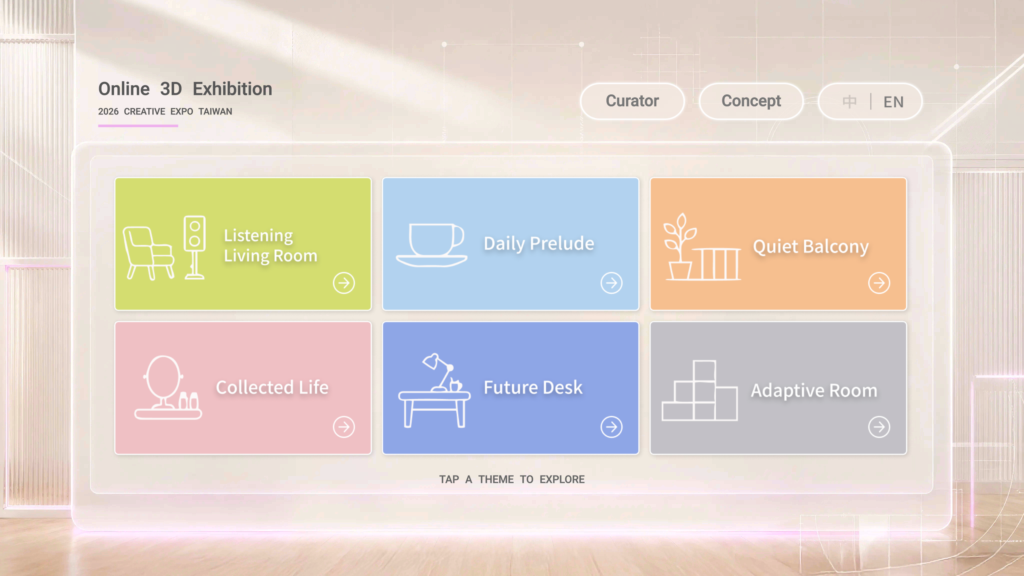
This month’s spotlight comes from VIVERSE for Business, our 3D ecommerce offering for brands and institutions. In partnership with Taiwan’s Ministry of the Interior, VIVERSE built an immersive virtual showroom for this year’s Taiwan Creative Expo, extending the on-site experience into VIVERSE so visitors can explore the exhibits whether they’re at the event in person or joining online.
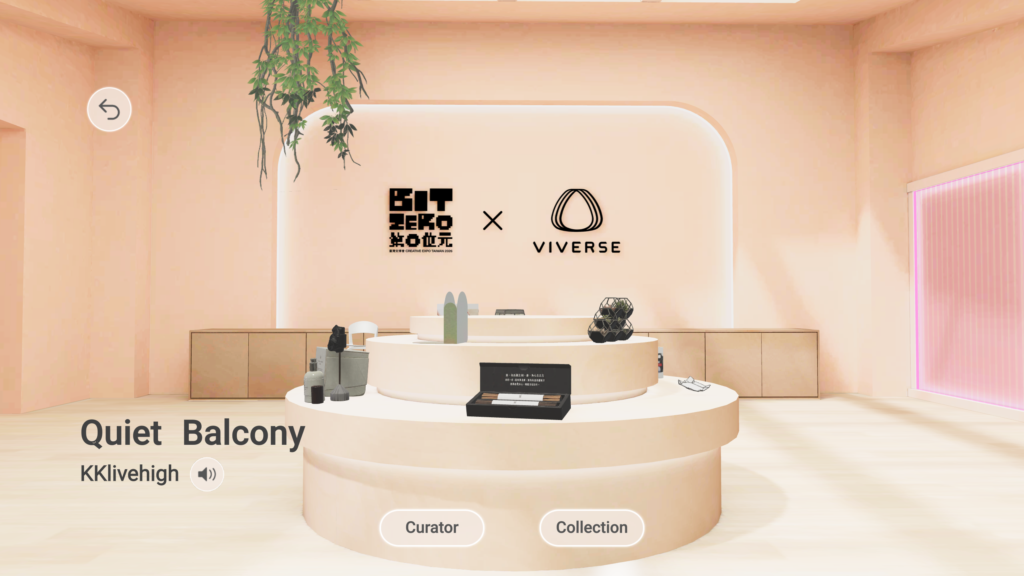
Each themed room is curated by a different partner, like the Bit Zero x VIVERSE “Quiet Balcony” room, so visitors can browse a distinct product story in every space. Step into the showroom.
Community
Browser push notifications
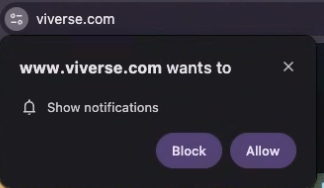
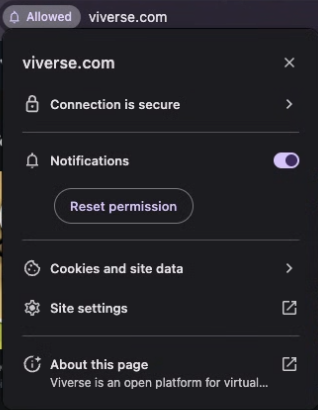
You can now get push notifications from VIVERSE right in your browser, so you don’t have to keep a tab open to stay current. Support depends on how you use VIVERSE: if you have the VIVERSE mobile app installed on Android or iOS, you’ll also receive push notifications in your desktop browser. If you use VIVERSE through mobile web only (for example, Safari on iPhone with no app installed), desktop browser notifications aren’t available yet.
Once enabled, you’ll stay informed about VIVERSE even when you’re not actively browsing, with a more seamless experience across your devices.
Web Experience
A refreshed landing page
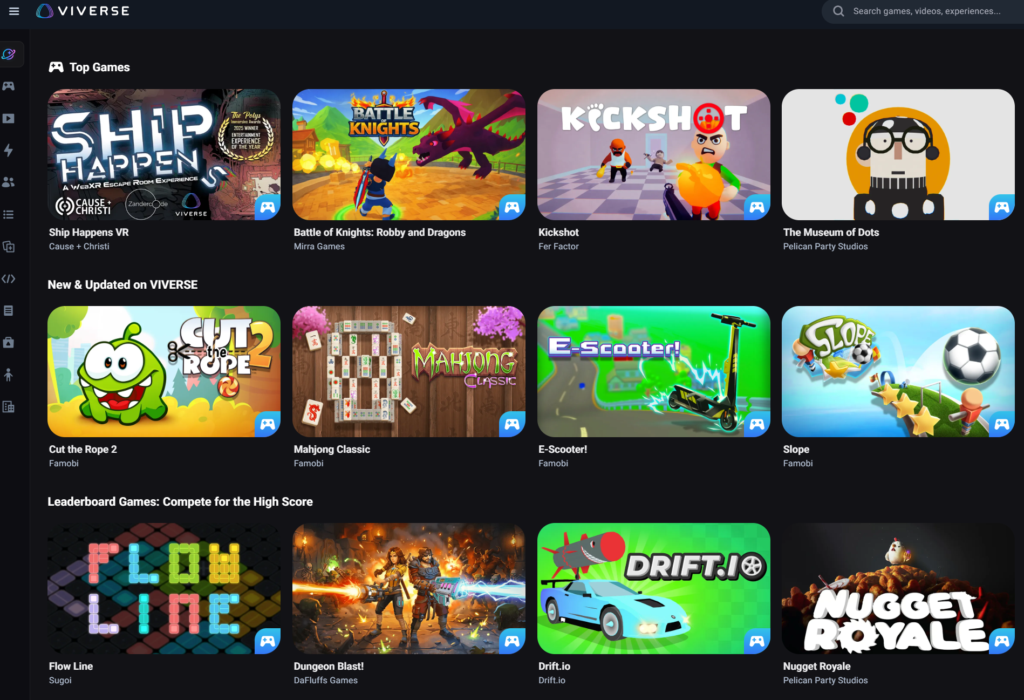
The VIVERSE landing page has been redesigned for easier discovery. Updated layout and browsing improvements help surface the best content faster, so you can find something worth playing or watching without digging.
A new History tab
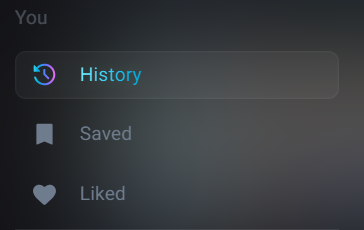

You can now revisit what you’ve recently played or watched from a dedicated History tab. It sits alongside your Saved and Liked lists, so picking up where you left off is easier than scrolling back through your feed.
Fuzzy search
Search just got smarter. VIVERSE search now matches on partial searches and suggests results based on what you’ve typed so far, so a typo or an incomplete title won’t stand between you and the games you’re looking for.
Recommendations without leaving fullscreen
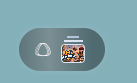

On the content detail page, the VIVERSE logo icon now opens a carousel of recommended content right where you are. Tap it while you’re in fullscreen and a horizontal row of suggested games appears, so you can find what to play next without backing out of what you’re already exploring.
Content detail page UI update
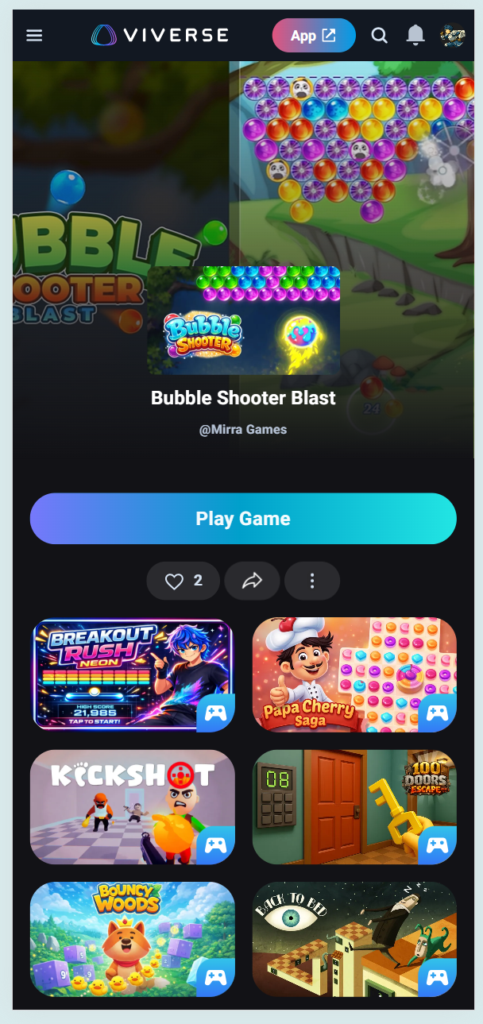
The content detail page has a refreshed layout across web and mobile, making it easier to see what a game, experience, or video is about and jump straight into it.
Clickable links in content descriptions
Links included in a content description are now clickable. If a creator shares a URL in their description, you can follow it directly instead of copying and pasting it into a new tab.
Mobile feed CTA button update
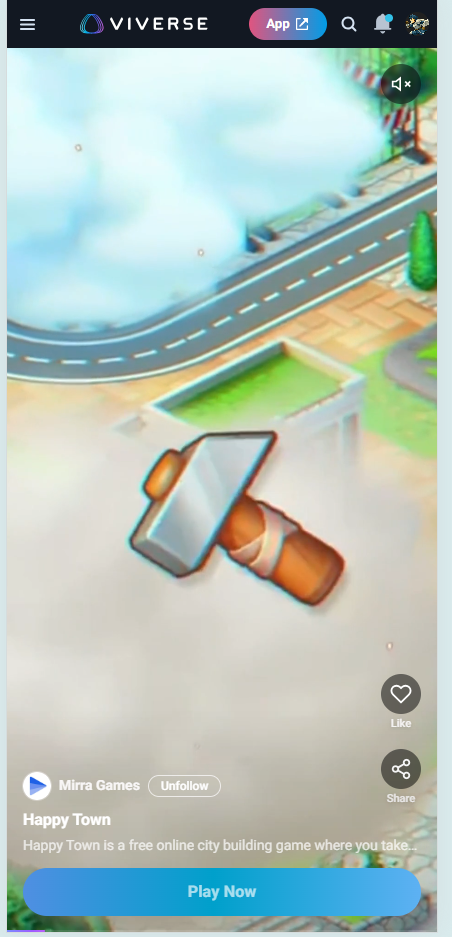
The “Play Now” button in the mobile feed has an updated design for better visibility and clarity, so it’s easier to tell at a glance how to jump into a game while you’re scrolling.
Video
Save videos to watch later
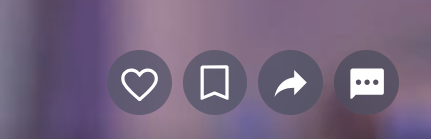
You can now save a video to watch later, right from the video overlay. A new bookmark icon sits alongside like, share, and comment, so if you don’t have time to finish something now, you can save it and pick back up whenever you’re ready.
Wrap-Up
That’s it for July! Turn on browser notifications so you don’t miss what’s next, take the new History tab for a spin, and if you’re near Taiwan’s Creative Expo, check out the virtual showroom alongside the in-person exhibits. If you’re building, keep publishing and iterating. We’ll keep shipping updates that make VIVERSE easier to explore and easier to grow on.
Curious about previous updates? Check out our June 2026 release notes or browse the full VIVERSE Updates series.
Join the Community
Follow VIVERSE for the latest updates, creator spotlights, and announcements:
X (Twitter) | Bluesky | YouTube | LinkedIn | Instagram | Facebook | TikTok