Behind the Build | The Mean Greens
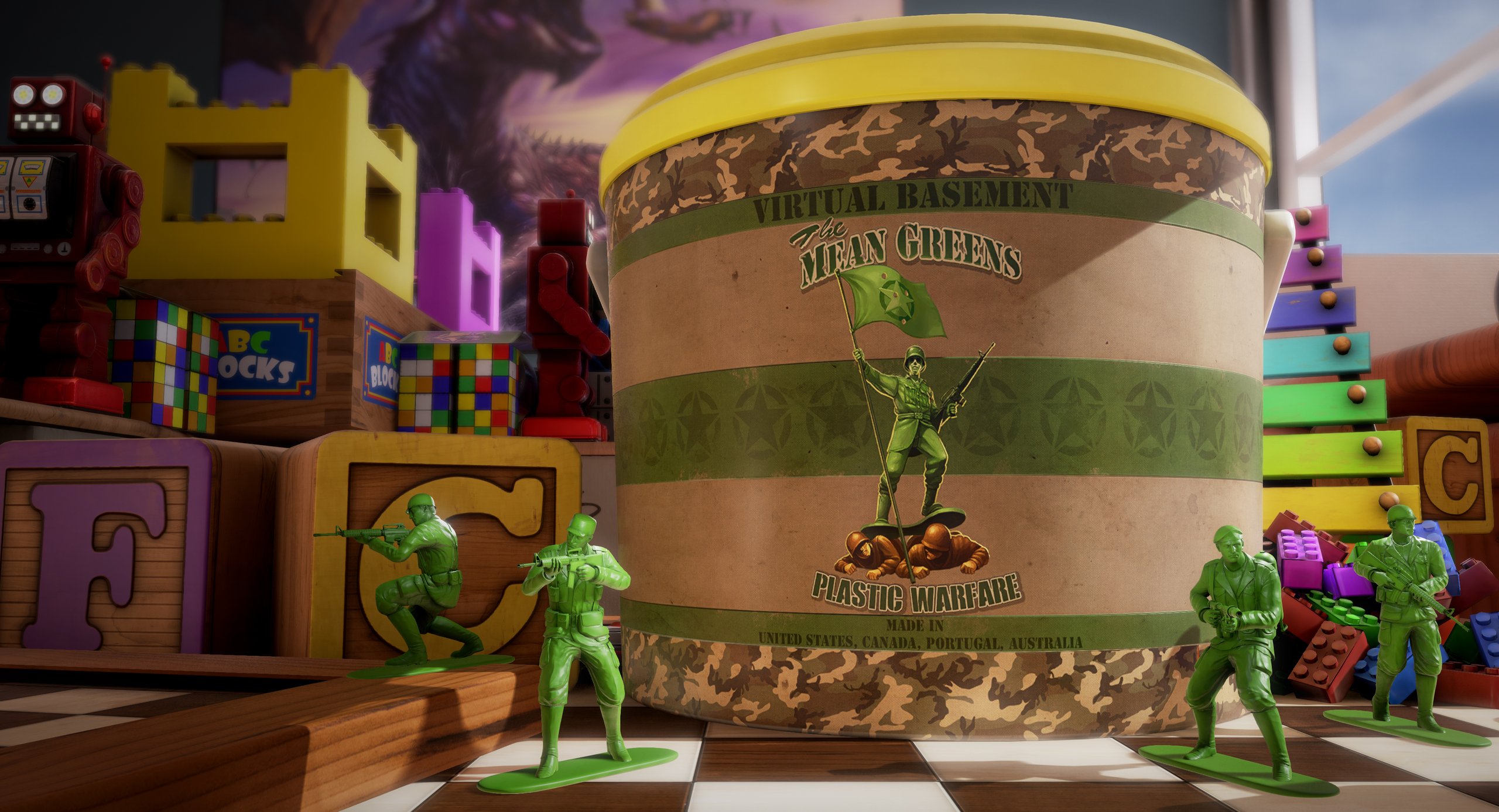

Some of the best battles ever fought were staged with plastic toy soldiers. The Mean Greens turns those battles into a fast, friendly multiplayer shooter. You play as a tiny plastic soldier in a larger-than-life world. First released on Steam, the game now plays instantly in your browser on VIVERSE. In this Behind the Build post, lead animator Jamie Krautkremer shares tips and a few stories from development.
Meet The Mean Greens
The Mean Greens is a third-person shooter played from a toy soldier’s point of view. Join one of history’s oldest battles: Green vs. Tan. Every map is larger than life, so everyday places become huge battlefields. Ride rubber ducks across a bathtub or capture flags in a fish tank. On game night, fight over a paper-craft city.
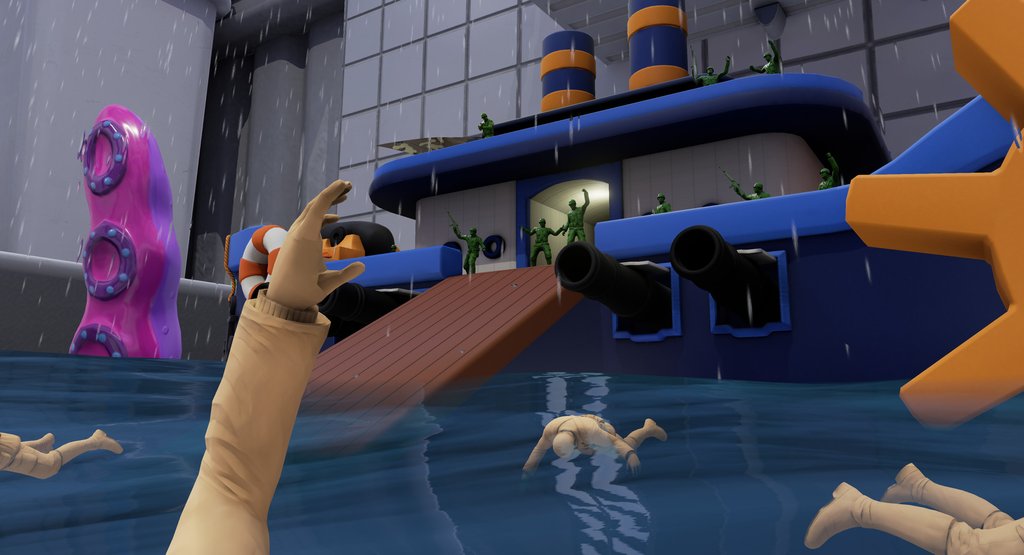
Team matches are 5v5 and can expand to 8v8, or you can jump into free-for-all battles. Short on players? Bots fill open spots, so matches stay full.
How to play
Controls
If you’ve played a third-person shooter before, you’ll feel right at home. Use WASD to move and your mouse to aim and shoot. Prefer a controller? That works too, and the game also supports Steam Deck. You can play in your browser on desktop or mobile, or in the VIVERSE app for iOS and Android. Thanks to cross-play, you can match up with players on Steam too.
Maps and modes
The demo gives you five maps, each with its own mode:
| Map | Mode |
| Toybox | Capture the flag |
| Bathtub Bash | Multi-flag |
| Art Table | Free for all |
| Fishtank Frenzy | Capture the flag |
| Tabletop Wars | Team deathmatch |
The full version includes all 37 maps. You can buy it directly or play it at no extra cost with VIVERSE Plus. Many maps can be played in more than one mode, like team deathmatch or free for all.
It also brings some unexpected modes. Barnyard Ball turns the battle into soccer, and Jurassic Plastic pits soldiers against raptors. Elsewhere, you’ll free a frozen dinosaur, light birthday candles, or race to the cup.

Playing the demo with friends? If anyone in the server owns the full game on VIVERSE or Steam, every map unlocks. The maps stay open for everyone while you keep playing together.
Tips for new players
Here’s a tip I always give new players: don’t forget your grenade. It’s a powerful weapon that can win a close fight, as long as you have time to throw it.
Also, keep your eyes open as you explore. The maps are full of little easter eggs, and the Teddy Bear shows up somewhere in almost all of them. Can you spot it?
Behind the Build
A battle through a kid’s eyes
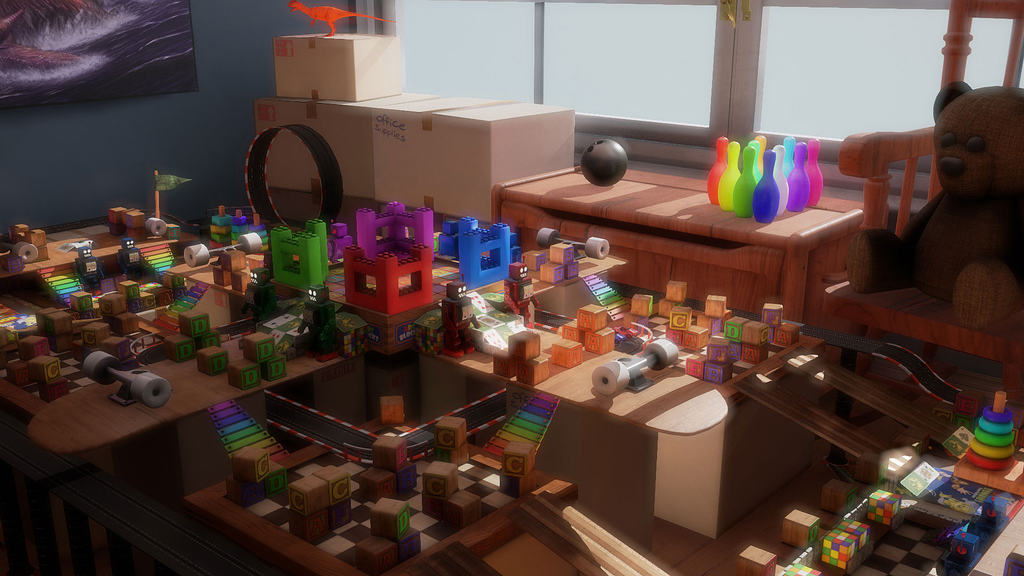
We wanted to build a game from the view of a child playing with their toys. That’s why some things look exaggerated, the way they might in a game of make-believe.
We were an extremely small team. Most of the time, only one person worked in each area of development.
Fun from the first match
The game also had to be easy for anyone to pick up and play. You shouldn’t have to grind for hours with starter gear to unlock the weapon that’s actually fun. In The Mean Greens, every player gets the same weapons right from the start.
Building on Unreal Engine 4 before the manual existed
One story I like to tell is about the engine. When we started on the original game, we got access to Unreal Engine 4 long before other developers did. Game engines weren’t nearly as easy to get back then as they are today.
Getting in early was amazing, but it came with a ton of challenges. The biggest was a complete lack of documentation. It was a bit like building a toy set with no instructions in the box. We had to figure out everything on our own. That gave us a great understanding of how the engine worked and what it could do.
The train that never moved
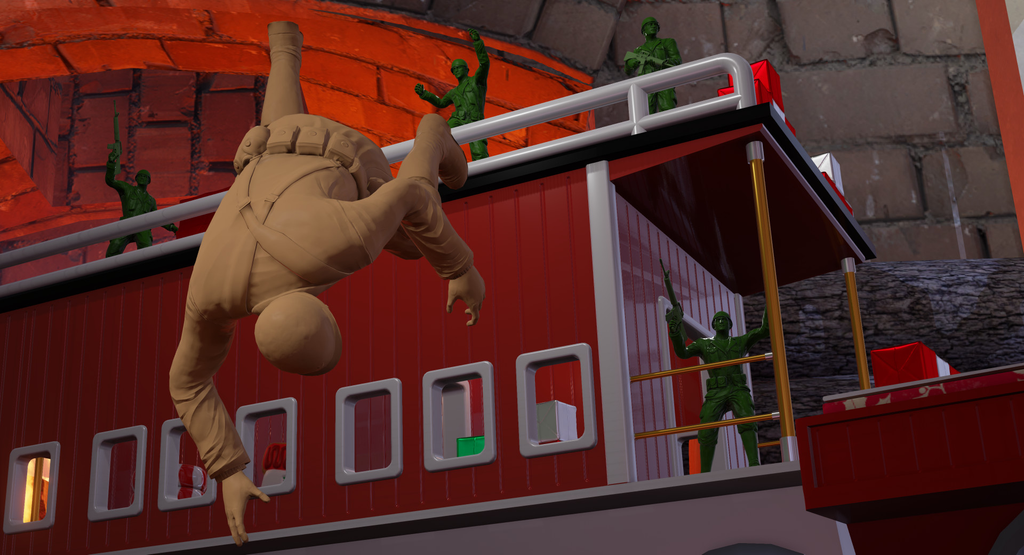
One obstacle in particular came from the Off the Rails map. Players battle on a moving toy train that circles a Christmas tree. We couldn’t keep each player’s position in sync over the network while the train was moving.
So, we flipped it around. We made the train stationary and set the entire room to rotate!
Bringing The Mean Greens to VIVERSE
The Mean Greens first launched on Steam in December 2015. More than a decade later, it’s ready for a new wave of players on the open web.
To bring the game to VIVERSE, we ported the entire thing from Unreal Engine 4 to Unity. Switching engines was a major undertaking, and the hardest part was the look. Each engine draws graphics a little differently. More than a million players already know how The Mean Greens should look, so we had to match it.
The result is the same Green vs. Tan battle, now playable in your browser. It even plays alongside the Steam version through cross-play.

Byline, bio and links
Byline: Jamie Krautkremer, lead animator
The Mean Greens was developed through a partnership between Virtual Basement and Code Headquarters, and published independently by Virtual Basement. The game’s leads were Andranik Aslanyan (lead programmer), Ashton Andersen (lead designer), and Jamie Krautkremer (lead animator).
Frequently Asked Questions
The Mean Greens is a green army men game built as a multiplayer third-person shooter. Green and tan armies battle across larger-than-life maps in team and free-for-all modes.
Team matches are 5v5 and can expand to 8v8. Bots can play on every map and fill open spots as players join or leave.
The Mean Greens includes classic modes, like capture the flag, team deathmatch, free for all, and king of the hill. It also has more unusual ones, like escort, vehicle capture the flag, and even a mode that lets you play as a dinosaur!
The full version of The Mean Greens on VIVERSE includes 37 maps. The free demo includes 5 of them.
Yes. If the host owns the full game on VIVERSE or Steam, all 37 maps unlock for everyone. They stay unlocked while the group keeps playing together.
You can play in your browser on desktop or mobile, or in the VIVERSE app for iOS and Android. The Mean Greens also has full controller support, and keyboard and mouse work too.
Yes. The full game on VIVERSE supports cross-play with the Steam version and the free VIVERSE demo.
You can buy the full version of The Mean Greens on VIVERSE. You can also play it at no extra cost with VIVERSE Plus.