How Bangkok University Used No-Code Game Development to Bridge the Gap Between Theory and Building
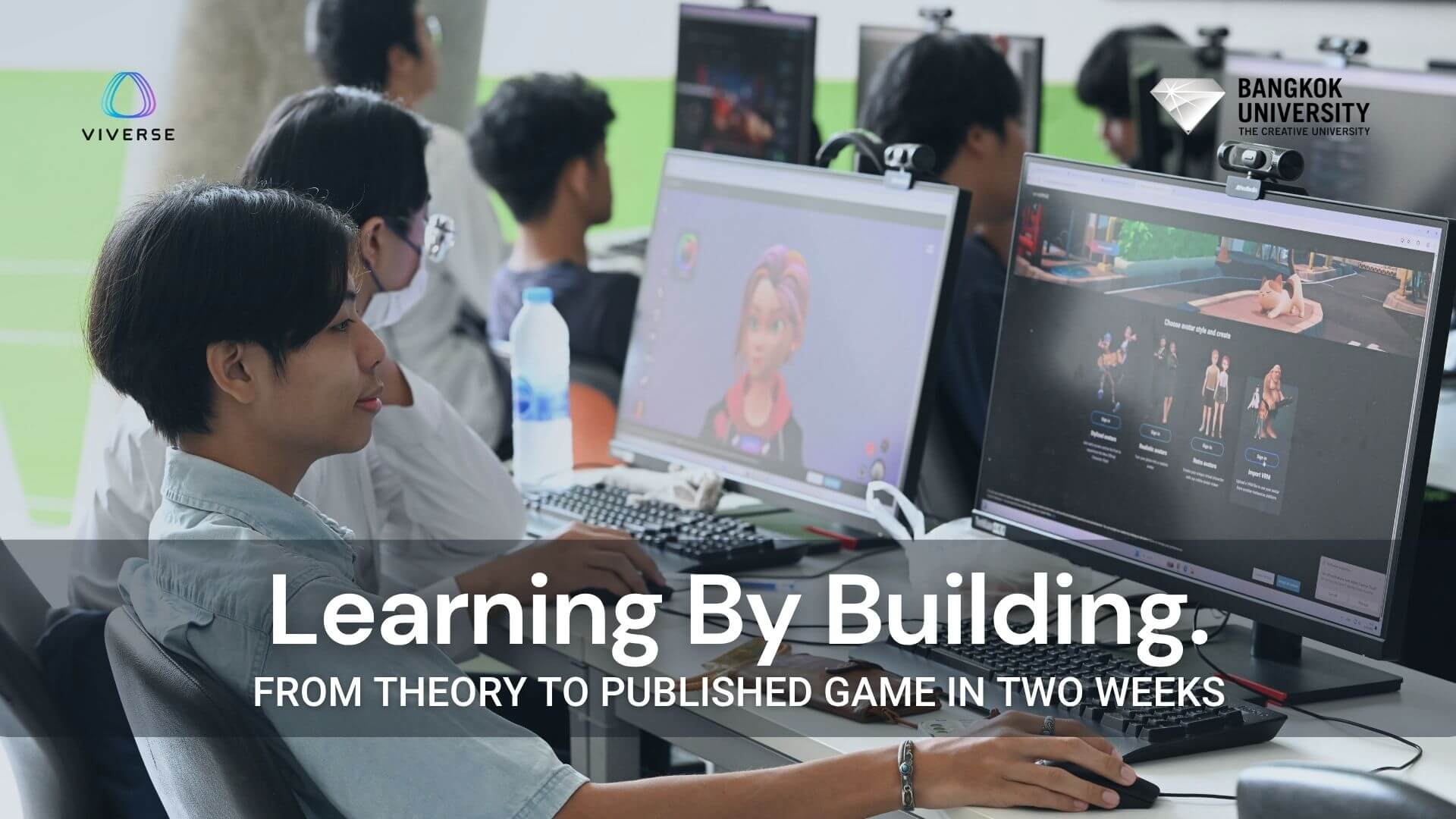

Learning to make games is hard. Most students spend months, sometimes years, building up the technical skills they need before they can ship anything real. And even when they do build something, it often stays on a hard drive, unseen.
Bangkok University’s Games and Interactive Media Department knew this problem well. First- and second-year students were hitting a wall: the jump from foundational concepts to hands-on building was steep, and traditional game engines demanded coding knowledge that took time to develop. Students were getting stuck before they could make anything worth sharing. And when they did build prototypes, those projects had no platform, no audience, and no life beyond a classroom presentation.
In March 2026, the department partnered with VIVERSE to find out whether that could change. The result was the Bangkok University x VIVERSE Creator Meetup, a one-day workshop where students learned to build and publish interactive games using VIVERSE’s no-code game development tools. Two weeks later, six finished games were live on the platform for anyone to play.
A Gap That Coding Alone Couldn’t Close
Game design education often moves in two speeds. In the first phase, students learn principles: level design, game feel, player psychology, the building blocks of what makes a game work. In the second phase, they learn to execute: scripting, engine workflows, debugging, the technical craft of making things run.
The gap between those two phases is where a lot of students get lost.
Bangkok University’s Games and Interactive Media Department identified two specific pain points. First, first- and second-year students struggled with the jump from foundational concepts directly into coding. There was nothing in the middle to bridge the two. Second, students were producing game prototypes that never got published. The work was happening, but it had nowhere to go.
VIVERSE was brought in to address both. Its no-code tools offered a way to start building without writing code first. And because every project on VIVERSE publishes as a live world with a shareable URL, student work could finally have a real home.
What No-Code Game Development Looks Like in Practice
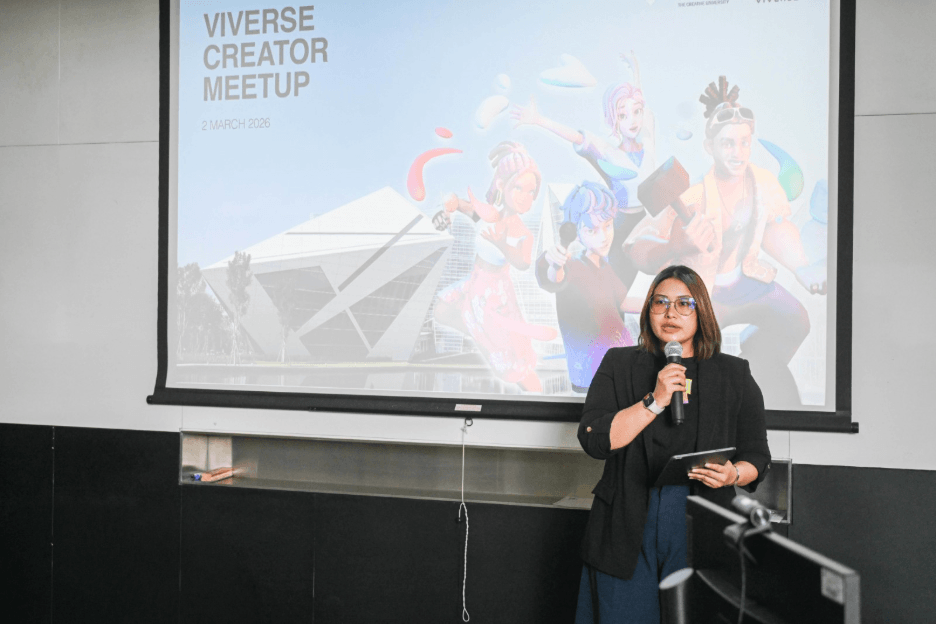
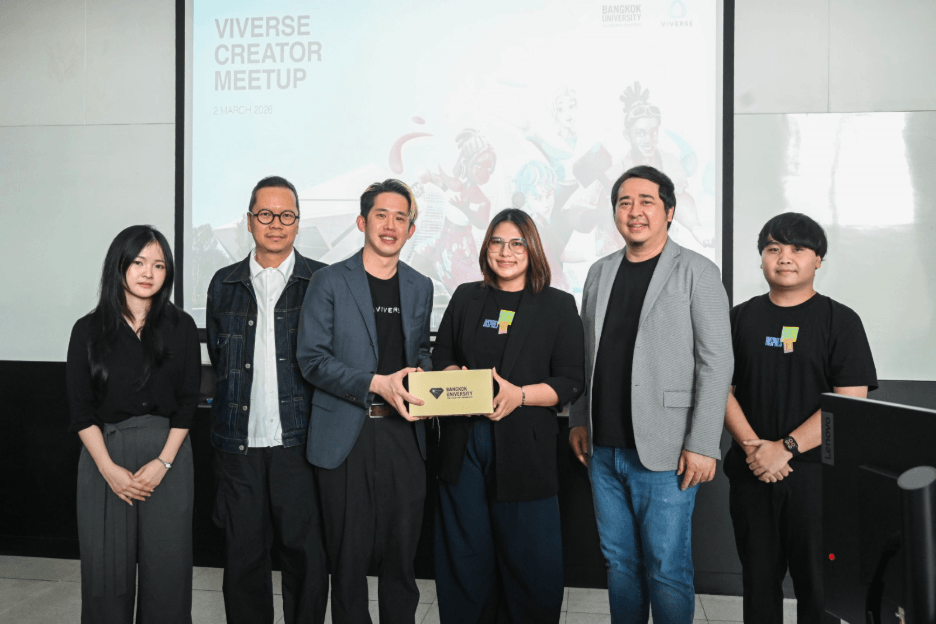
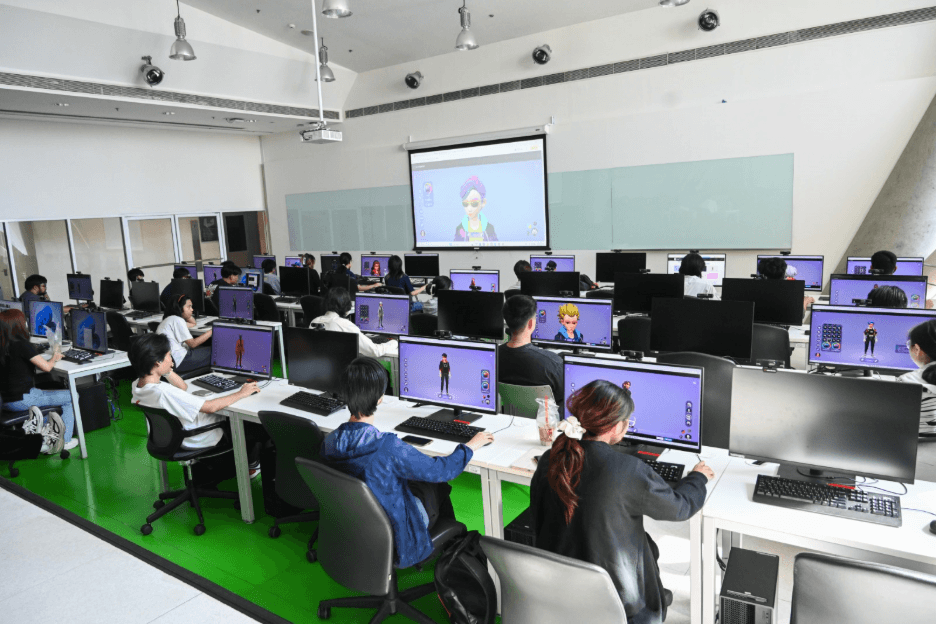
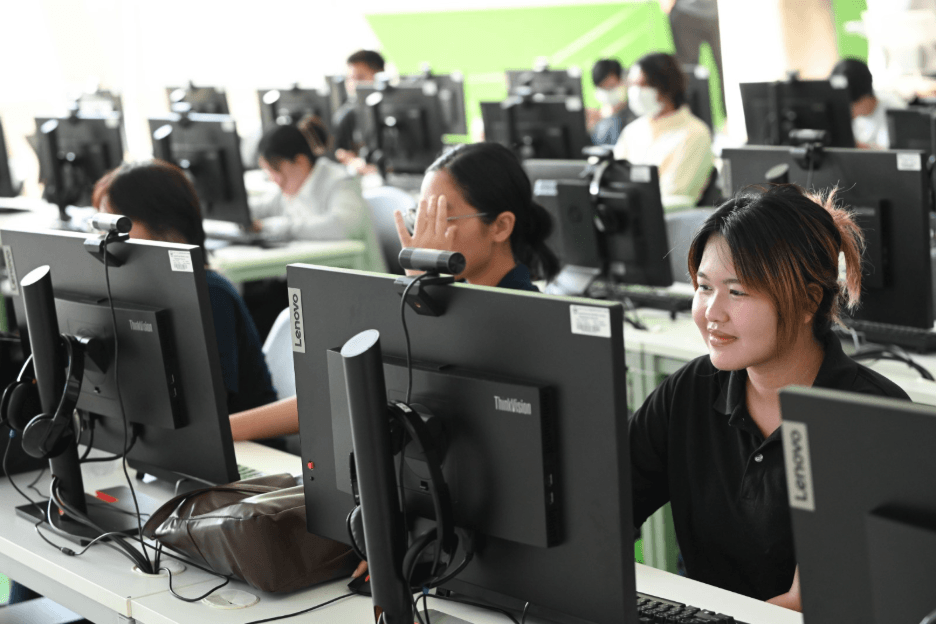
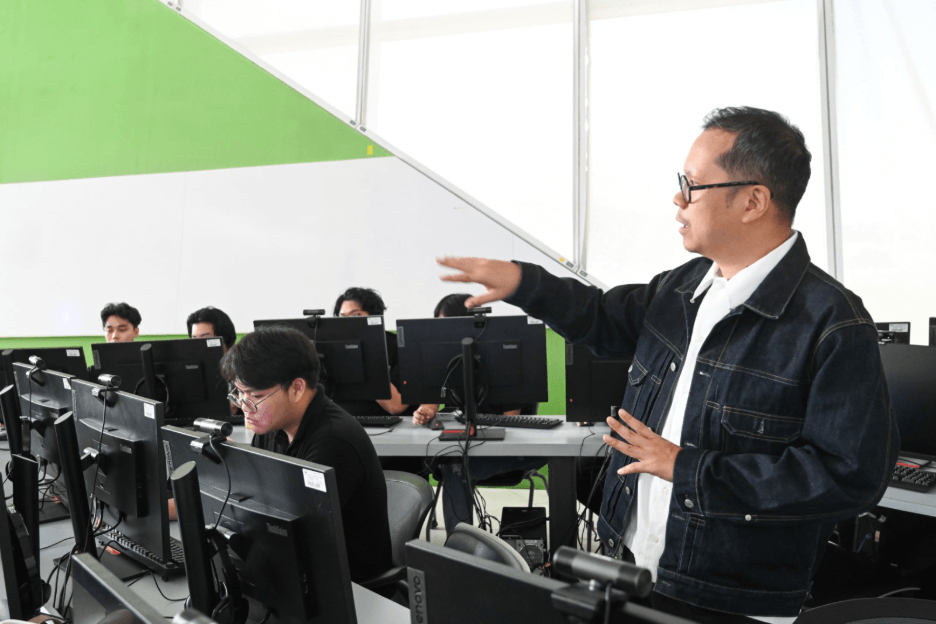
The Bangkok University x VIVERSE Creator Meetup took place on March 2, 2026, at Bangkok University. The day ran as two independent three-hour sessions, each covering the full curriculum, with different student groups attending each one. The program was designed and delivered by FabCafe Bangkok, a creative community and makerspace partner, who served as lecturers for both sessions. Across both sessions, around 130 students attended in person, with another 70 joining via recording
The focus was workflow, not theory. Using PlayCanvas and VIVERSE’s no-code tools, students learned to move from a blank project to a published, interactive world, step by step.
Module 1 — Getting Started With VIVERSE
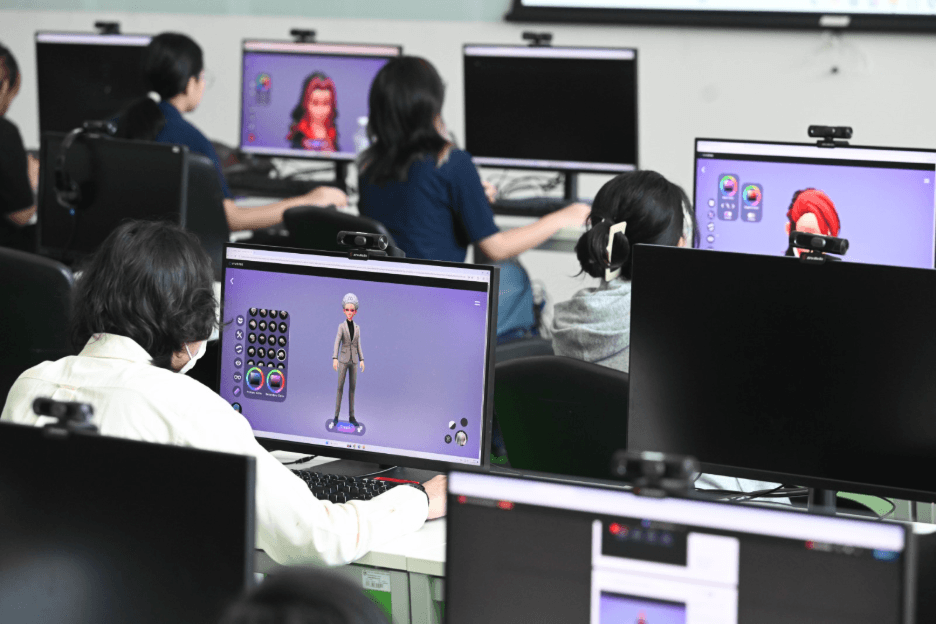
Both the morning and afternoon sessions introduced students to the VIVERSE platform. They started with account registration and avatar creation. VIVERSE’s avatar system offers four styles to choose from: stylized, realistic, retro, and custom VRM. Students could personalize their character before setting foot in any world.
From there, the sessions moved into VIVERSE Object AI. This tool lets you generate 3D objects directly from a text prompt or an uploaded image, so students could create assets without any modeling experience. Type a description, click generate, and a 3D model is ready to drop into your project.
As one student put it, the AI-generated 3D models reduce manual modeling time considerably, and the automatic skeleton rigging system was a particular standout.
The sessions also covered the Creator Playground, a live demo space inside VIVERSE that shows the range of what’s possible on the platform, and the VIVERSE Points and Missions system, which rewards creators for exploring and building.
Module 2 — Building and Publishing a VIVERSE World
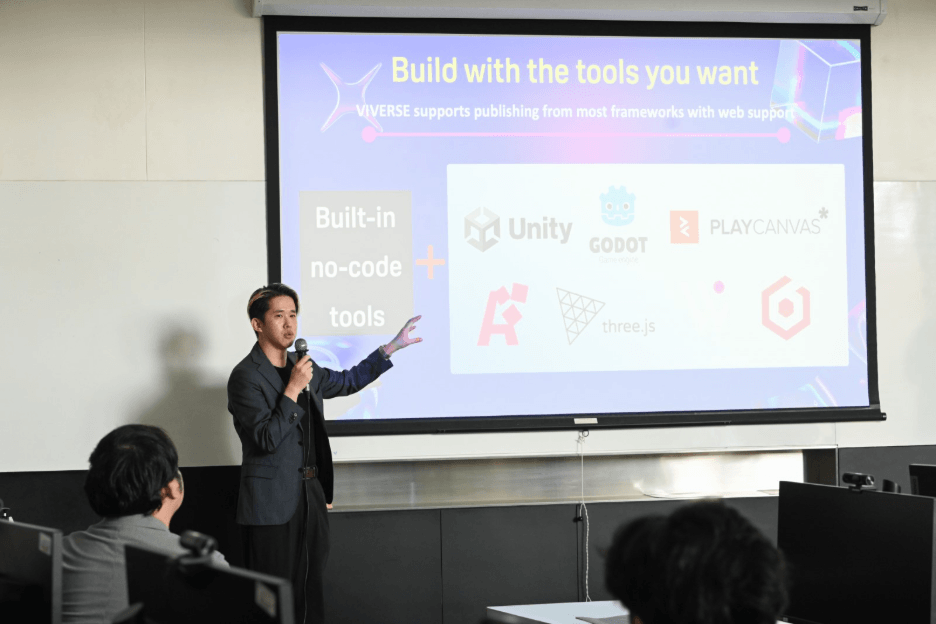
Both sessions focused on no-code game development. Students set up their first PlayCanvas project and installed the VIVERSE PlayCanvas Extension, which connects their build directly to the VIVERSE platform.
The core of the no-code game development portion of the sessions was VIVERSE’s Trigger and Action system. Think of it as a set of logic building blocks. You define what causes something to happen (the Trigger) and what the result is (the Action), without writing a single line of code. A student could set up a trigger zone so that when a player’s avatar steps into a marked area, a cat model appears. Or so that a player gets teleported to a new location. Or so that a quest begins.
Students worked through eight practical cases using this system, covering a range of interactions from enabling and disabling objects, to building a full quest flow. They also used pre-made PlayCanvas physics scripts to add movement to their worlds, including orbital rotation, back-and-forth motion, and projectile launching.
Once the scene was ready, publishing took one click. Each VIVERSE world gets a unique URL the moment it goes live, and updates automatically every time the creator republishes.
The Student Showcase
After the Creator Meetup, students had two weeks to put what they’d learned into practice and build something of their own. Visit and explore the top-ranked game projects from the two-weeks-long workshop, live and playable on VIVERSE.
Starry Ribbon Maid Cafe by Patrawadee Kalyanamitra, Natnicha Horudomsin, Ruangphung Siripullop
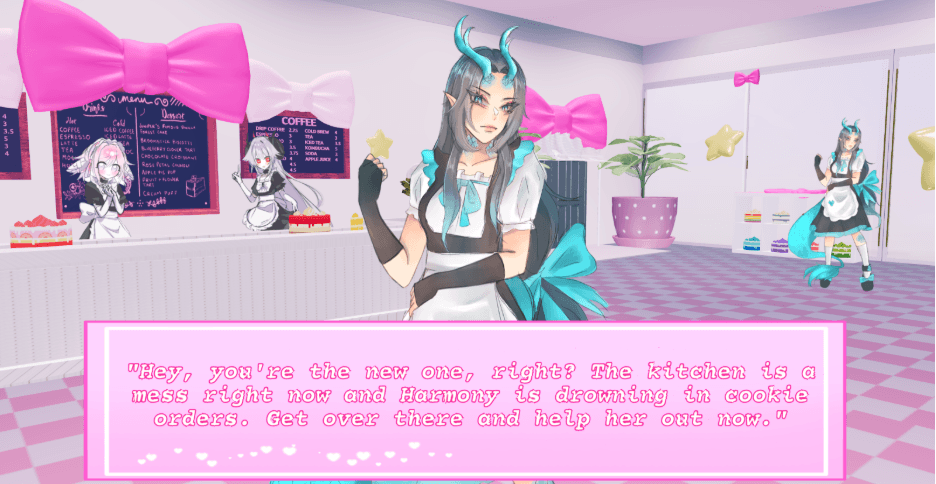
In Starry Ribbon Maid Cafe, you step into the role of a brand-new maid on your first shift. The cafe is overwhelmed, orders are piling up, and it’s up to you to help the staff catch up on a backlog of cookie orders. It’s a warm, story-driven experience that brings the cafe environment to life, from customer interactions to task progression.
Explore Starry Ribbon Maid Cafe, playable in your browser on VIVERSE.
Little Dreamland by Nanthawat Khomkhai
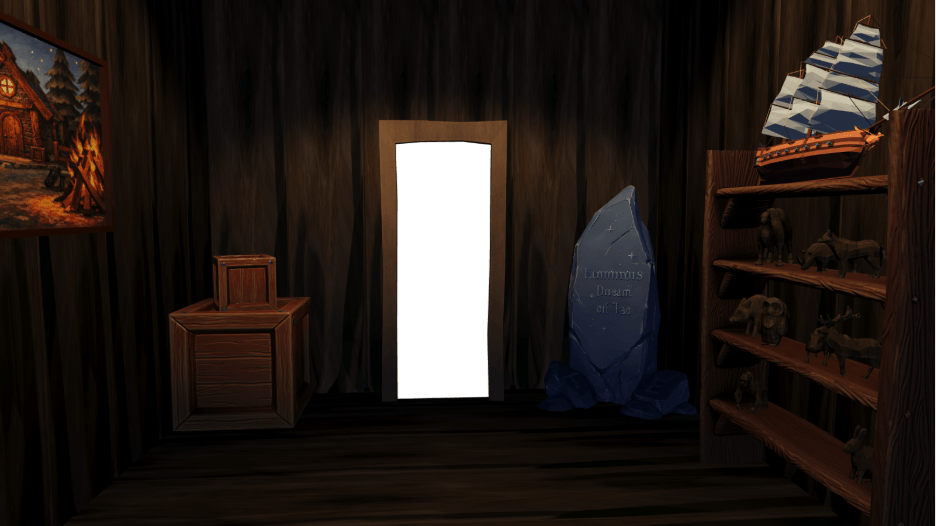
Little Dreamland puts you in the role of the Dream Guardian, tasked with protecting a child’s dreams from an encroaching darkness. A Nightmare Demon has entered the dream realm, and only you can find the anomalies, track it down, and banish it before the dream is lost forever. It’s an atmospheric, narrative-driven world that shows how much emotional range VIVERSE’s no-code tools can support.
Explore Little Dreamland, playable in your browser on VIVERSE.
Velora by Soraras Boonma
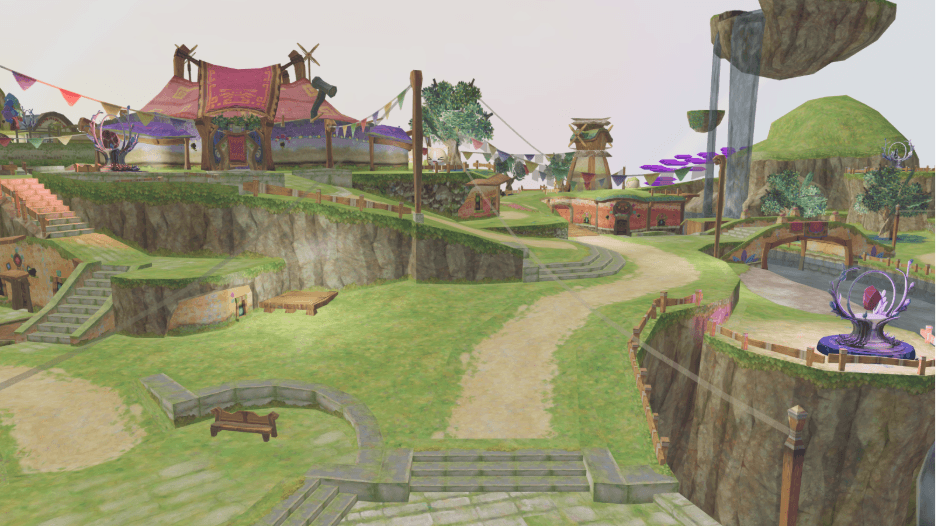
Velora is set on a floating island slowly losing its power. Players explore the island searching for scattered crystals, collecting and combining them to forge a single, powerful crystal that can restore the island to its former strength. It’s an adventure game built around exploration and a satisfying central goal, with a sense of scale that’s impressive for a first published world.
Explore Velora, playable in your browser on VIVERSE.
Garden Maze by Thanaphon Kaewmuneewong
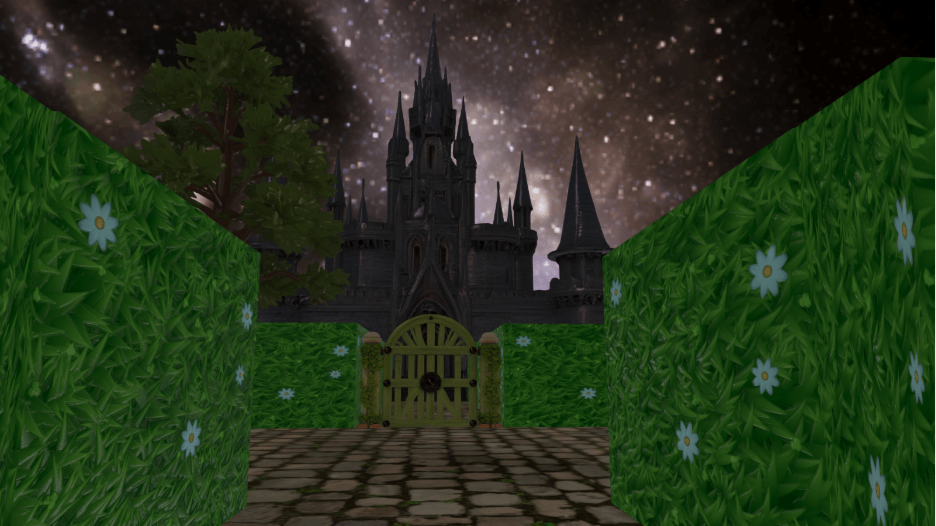
Garden Maze drops players into a haunted garden with one objective: find the hidden item that will let you escape. The maze format is a smart choice for a first build, using VIVERSE’s spatial tools to create tension through environment rather than complex scripting. It’s atmospheric, focused, and genuinely fun to explore.
Explore Garden Maze, playable in your browser on VIVERSE.
CATS! COME BACK!!! by Naphatsnan Khunthawin, Suchanya Robsanthat, Itsarathitiya Dam-o, Pidchayapa Bumrungsuan
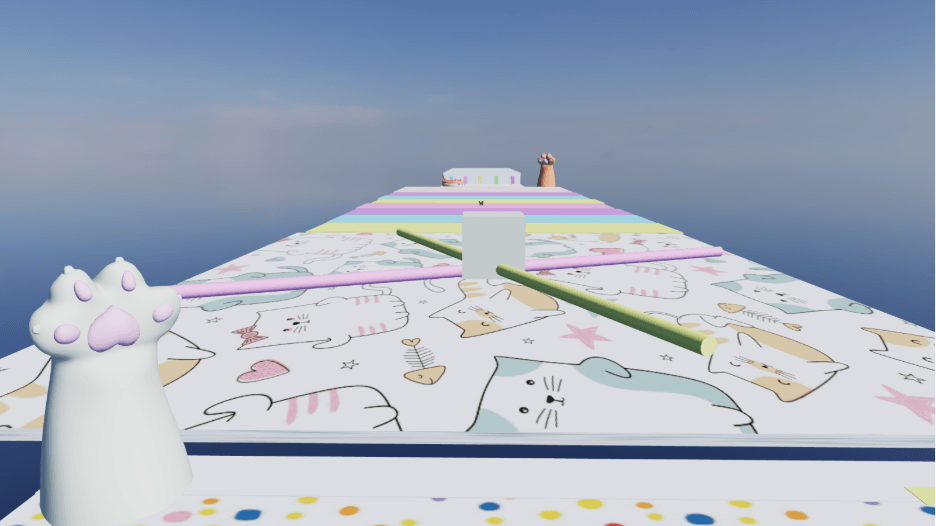
In CATS! COME BACK!!!, you play as a cat grooming salon employee who has made a critical error: the cats got out. Now you have to chase them down across a series of obstacle-filled areas, navigating hazards to track down all four missing cats and bring them back. It’s a high-energy, chase-driven experience that makes clever use of VIVERSE’s movement and trigger mechanics.
Explore CATS! COME BACK!!!, playable in your browser on VIVERSE.
Jump Jump Parkour by Warintra Saithong
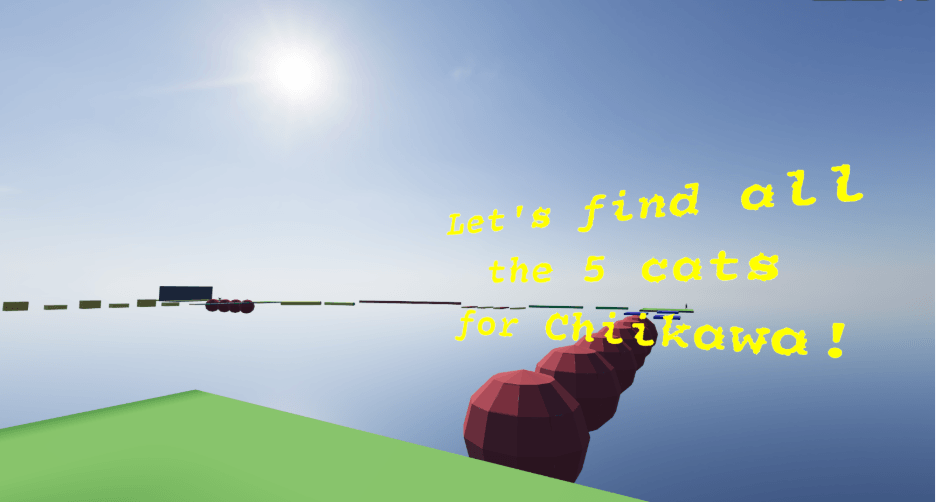
Jump Jump Parkour is exactly what it sounds like: a vibrant, colorful parkour map built from geometric shapes and bold colors. The course is casual and accessible, but it layers in small side quests for players who want more to do, including helping a small character find a group of missing cats hidden throughout the map. It’s a playful, well-paced first world that shows how much personality you can pack into simple assets.
Explore Jump Jump Parkour, playable in your browser on VIVERSE.
Student works are listed in order of judges’ scores from the one-week creation challenge.
In Their Own Words
The students who took part in the workshop shared their reactions on camera at the end of the day.
“Even as someone who isn’t very good at coding, I was still able to create the game that I imagined,” said Warintra Saithong. “The tools are easy to use. There’s no complicated code. I could focus on what I wanted the game to feel like, rather than getting stuck on how to make it work.”
Panrada Meesrisuk, who had experience with other game engines, noticed the difference immediately. “In other programs like Unity, I often feel limited because they require a lot of coding, but this program is different. It doesn’t require much coding, and it’s easier to learn compared to other programs.”
Thanawin Klinchat highlighted VIVERSE’s AI tools as a standout feature. “The 3D model creation feature reduces the time spent on manual modeling. The skeleton system is automatically assigned, which makes the rigging process much faster and more convenient.
“Seeing their own games being played, receiving feedback from real users, learning directly from industry partners—these are the things that motivate them to keep learning. That’s why we are excited to collaborate with VIVERSE—to connect classroom learning to a real global platform and audiences.”
— Professor Phattanapon Rhienmora, Bangkok University
What This Means for Creators and Educators
The Bangkok University x VIVERSE Creator Meetup was designed as a test. Could VIVERSE’s no-code game development tools hold up in a real academic setting, with real students, on a real deadline? Two weeks, and several published games later, the answer is clear.
Students who had never used a no-code tool before went from account setup to a published, playable game in seven days. They didn’t need to master a scripting language first. They needed clear tools, a structured workflow, and a platform that made publishing the natural end point of the process.
That’s a combination worth paying attention to, whether you’re an educator thinking about how to bring game creation into your curriculum, or a creator who’s been waiting for a way to start building without a coding background.
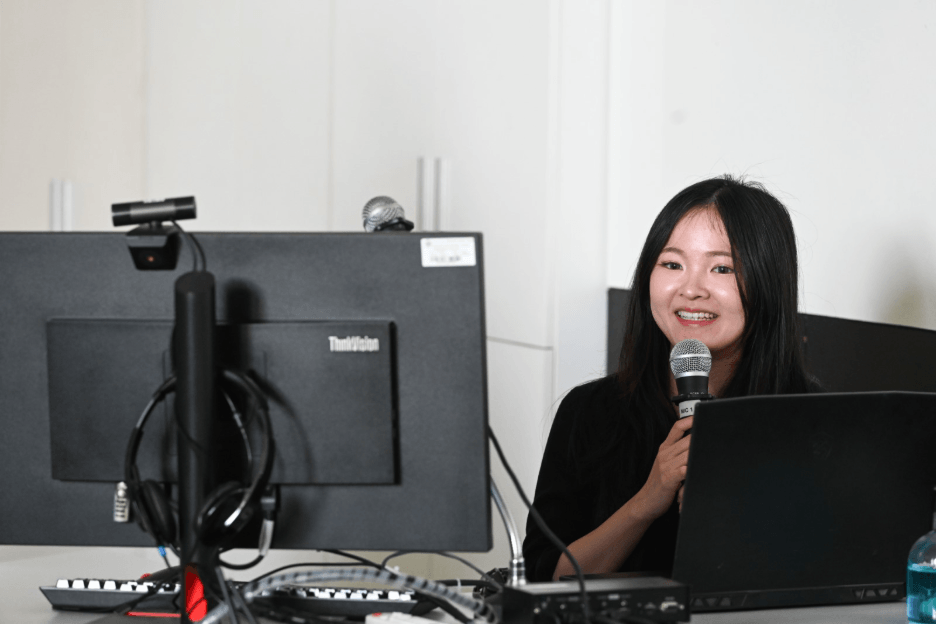
You can follow Bangkok University’s IT and Innovation channel on Facebook for updates on their creative programs. The program was made possible in part by FabCafe Bangkok, a creative community and makerspace partner who designed the curriculum and led both sessions as lecturers.
“The challenges faced by Bangkok University are common across many universities. Through this collaboration, we aim to validate and develop scalable solutions that can benefit institutions more broadly.”
— Chiyang Lin, APAC Business Lead, VIVERSE
Start Building on VIVERSE
VIVERSE is free to join, and no coding experience is required. If the student games from Bangkok University show anything, it’s that the tools are accessible enough to get from zero to published in a week.
If you’re ready to build your first game, head to VIVERSE and get started. And if you have a project you want to develop further, take a look at the Creator Grants program to find out how VIVERSE supports creators at every stage.
FAQ
What is no-code game development?
No-code game development means building interactive games and experiences without writing programming code. Instead of scripting, you use visual systems and pre-built logic to define how your game works. VIVERSE’s Trigger and Action system is one example: you set up cause-and-effect relationships between objects and events, and the platform handles the rest.
Do I need coding experience to use VIVERSE?
No. VIVERSE’s tools are designed for creators at any skill level. The Trigger and Action system, pre-made physics scripts, and sample project templates let you build and publish interactive worlds without any programming background.
Can VIVERSE be used in an educational setting?
Yes. The Bangkok University Creator Meetup is a real-world example of VIVERSE’s tools fitting into a game design curriculum. Students went from their first account setup to a published game in two weeks, using only VIVERSE’s no-code tools and PlayCanvas.
What can I build with VIVERSE’s no-code tools?
You can build interactive 3D worlds with physics, quests, avatar interactions, teleportation, AI-generated assets, and more. Every finished project is published as a live VIVERSE world with a shareable link that anyone can visit and play.
Is VIVERSE free?
Yes. VIVERSE is free to join and free to use. You can create an account, build and publish your own projects, and explore content from other creators at no cost. Some premium titles on VIVERSE may require a purchase, but the platform and its core creation tools are free.
What is PlayCanvas, and do I need to know it to use VIVERSE?
PlayCanvas is a browser-based game engine that VIVERSE uses as its primary creation environment. You don’t need prior PlayCanvas experience to get started. The VIVERSE PlayCanvas Extension and its no-code Trigger and Action system are designed to handle the heavy lifting, so you can focus on building your project rather than learning an engine from scratch.
How do I publish my project on VIVERSE?
VIVERSE supports content built with most web-compatible frameworks, including Unity, Godot, PlayCanvas, Three.js, Babylon, A-Frame, and more. The primary publishing tool is VIVERSE Studio, a browser-based dashboard where you can upload, manage, and share your content. For developers who prefer a faster workflow, VIVERSE also offers a command-line interface (CLI) that lets you publish directly from the terminal. Once published, your project gets a shareable link and can be made discoverable to VIVERSE’s global audience. For full instructions, visit the VIVERSE documentation at docs.viverse.com.